
Become a Certified Rocket Expert in less than one hour
Unlock Rocket’s Full Potential—Work Faster & Smarter
Within 8 quick modules, discover tools to improve your workflow, speed up repairs, and find hidden features that make your job easier—all at no cost to your team.
Get Certified Now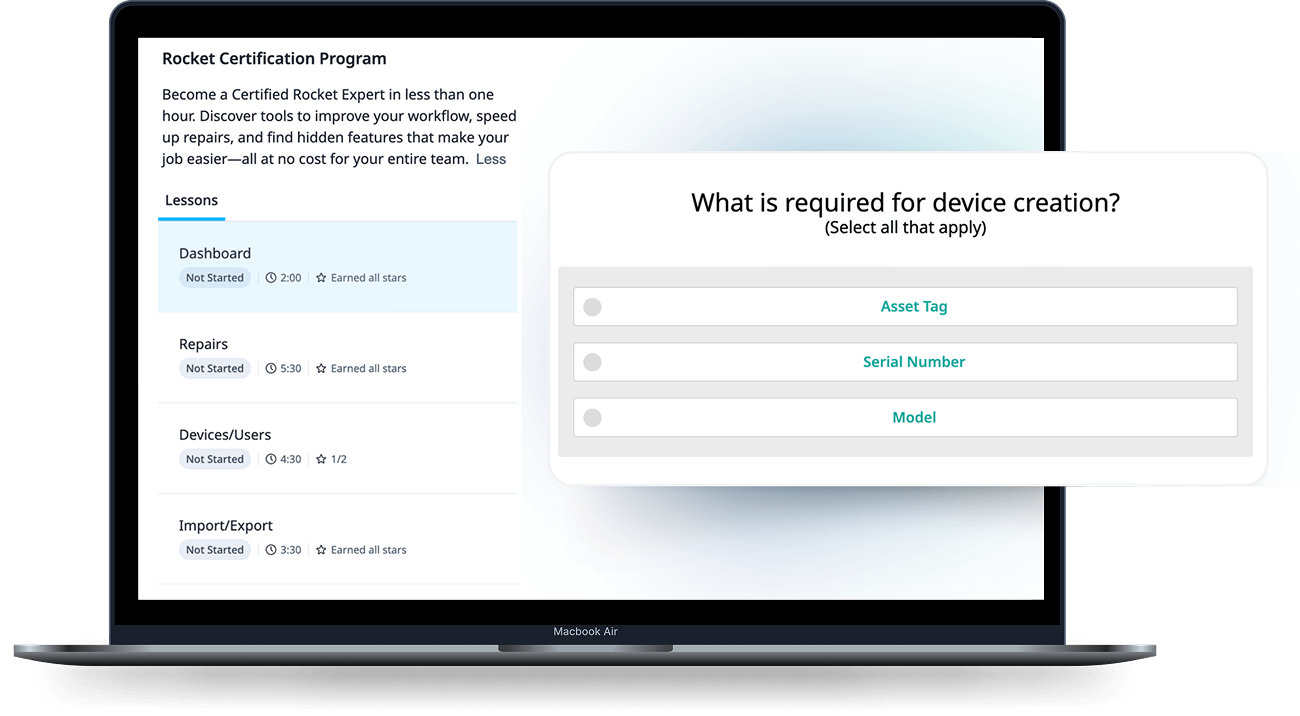
Whether you use Rocket daily or you’re new, this certification will help you
- Get More Done in Less Time
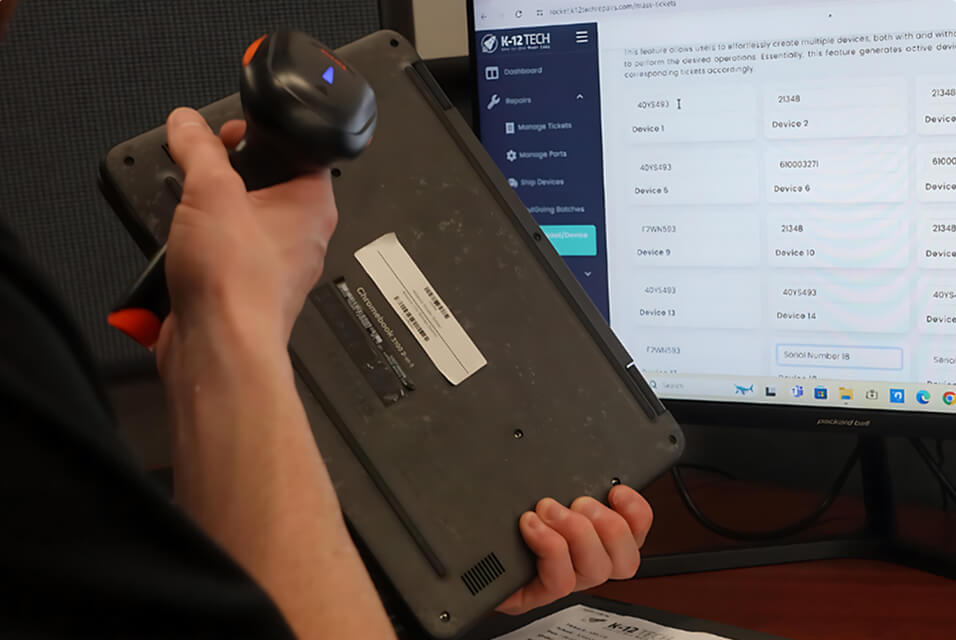
Learn the fastest ways to manage devices, track repairs, and automate workflows.
- Unlock Rocket’s Full Power
Discover hidden features and advanced tools that make your job easier. - Solve Problems Faster
Reduce downtime with smarter troubleshooting and repair strategies. - Become the Go-To Expert
Gain confidence to train your team and lead tech improvements. - Earn Recognition
Get certified and showcase your expertise to your district and peers.
Your Next Step Toward Simplified Repairs
Don’t just use Rocket—master it. Sign up now and join a growing community of Rocket Certified Experts driving real change in EdTech.
Start Certification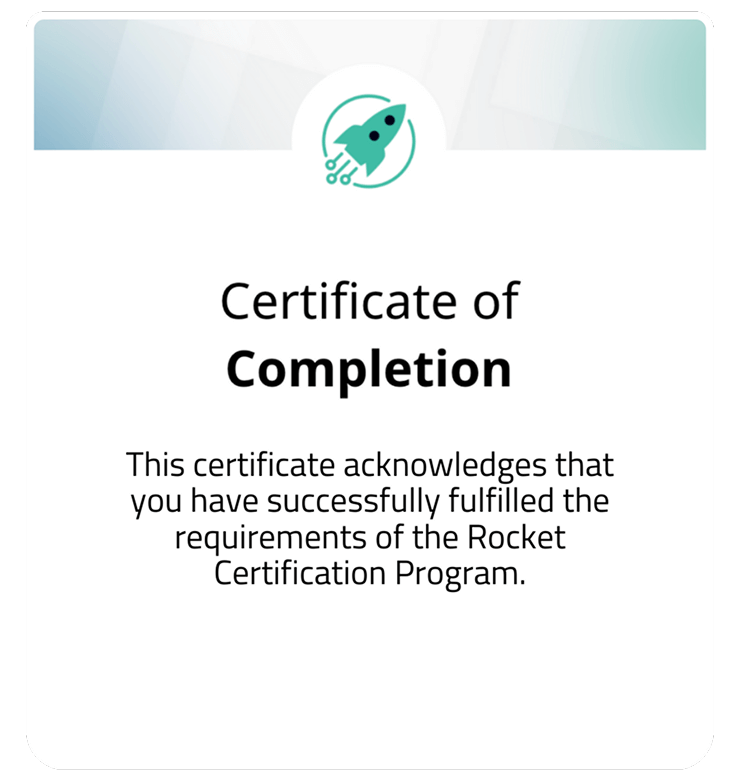
Your Questions, Answered.
How long does the course take?
It takes around 30 minutes to complete.
Is the course free?
Of course! Just like Rocket, there’s no catch. It’s hosted on a dedicated K-12 Tech site.
Do I have to take this course to use Rocket?
No, this is an additional resource to help you maximize Rocket’s features.
Can I take the course at my own pace?
Yes! It’s designed to fit your schedule
Can I reattempt lessons?
Yes, you can retry the course and each lesson. Take it at your own pace.
Can I download my certificate?
Yes, your certificate will be available as soon as you complete the course.
Can I share this on my LinkedIn?
Yes! You can share your certificate on LinkedIn by following these steps:
- Complete the Course: Finish all lessons and download your certificate.
- Download Your Certificate: Save the certificate PDF to your computer.
- Open LinkedIn: Go to your LinkedIn profile.
- Add a Certification: Scroll to Licenses & Certifications and click Add certification.
- Enter the Details:
- Certification Name: Rocket Certification
- Issuing Organization: K-12 Tech
- Upload Your Certificate:
- Click Add media Select Document
- Upload your certificate PDF
- Save: Click Save to add the certification to your profile.
Who is this certification for?
Rocket Certification is fully accessible, designed to support all learners, and can be completed on any device.
Can I track my progress through the course?
Easily track your progress as you go—your place is saved automatically, so you can pick up where you left off.